
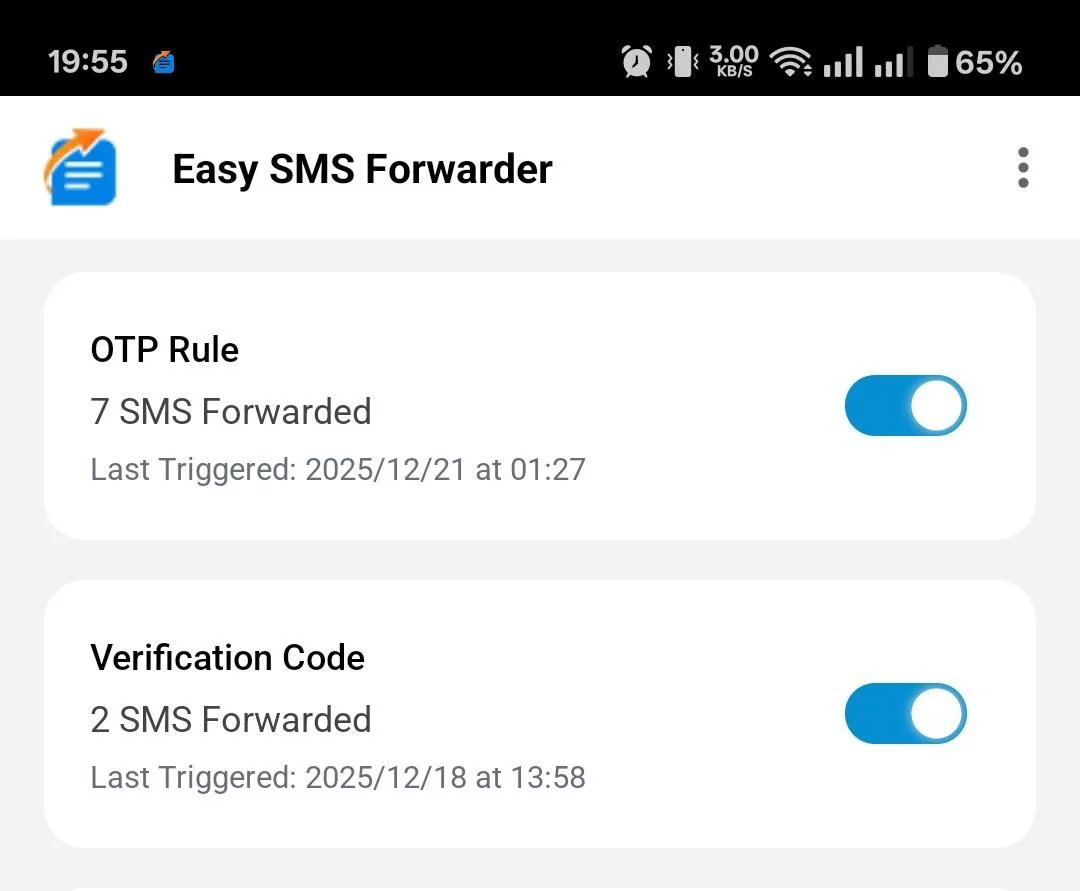
The Easy SMS Forwarder is a Free for personal use Texts to Email & Texts to Text Forwarding Android App, No ads, No payment, No account creation. This app was built by Pulse Engineers for secure seamless texts forwarding for personal and businesses purposes. No data is saved on our servers, text messages are forwarded as-is as a text message to another phone as a text or as an email to the email address configured.
This is an Android app securely downloadable as an APK. This app does NOT work on iPhones.
Google Play Store does not allow text forwarding apps. Be advised that you are sideloading an app that is not on the Google Play Store.
We often take suggestions from users on upgrades. If you like to make a feature suggestion email us at [email protected].
Enables either all or filtered forwarding of text messages to multiple phone numbers or emails based on simple forwarding rules. No limit on rules or messages forwarded.
Download Easy SMS Forwarder
For Business use – Purchase Annual License
Business license includes priority support, a guided installation and disable the marketing messages under each forwarded message.
Last updated in May 2025 – Downloaded 1,540,000 times – 711,000 Text Messages Processed Per Day.
Settings to ensure the app does not go to sleep: (Some steps may not apply to your device)
- Go to phone settings > Battery > Choose “Battery optimization” > Find the Easy SMS forwarder app and select it > Choose “Don’t optimize” or “Run in background” from the available options.
- Go to phone settings > Installed apps > Find the Easy SMS forwarder app and select it > Battery > Allow app to run in the background.
- Go to phone settings > Installed apps > Find the Easy SMS forwarder app and select it > Permissions > Enable Contacts, Phone and SMS permissions.
- Go to phone settings > Installed apps > Find the Easy SMS forwarder app and select it > Data access > Allow access to mobile and wifi data in background.
- Go to Phone Settings > Installed Apps > Find the Easy SMS Forwarder app and select it > Tap on the three dots in the top right corner > Allow restricted settings > Verify using PIN or biometric > Reopen the Easy SMS Forwarder app
Automated email forwarding is commonplace. Automated text forwarding is equally useful, with smartphones becoming commonplace text message utility has grown exponentially. Phone networks now allow for 1000s of text messages on most of their plans. Many corporations and individuals prefer using text messages instead of Skype, WhatsApp, or Viber like apps. Text messages are often the only way transactional messages are sent to consumers.
Pulse engineers created this app out of a real need to forward messages, the use cases for this app are many. Some of the popular ones are below.
- Automated forwarding of banking text messages into email or texts to your family.
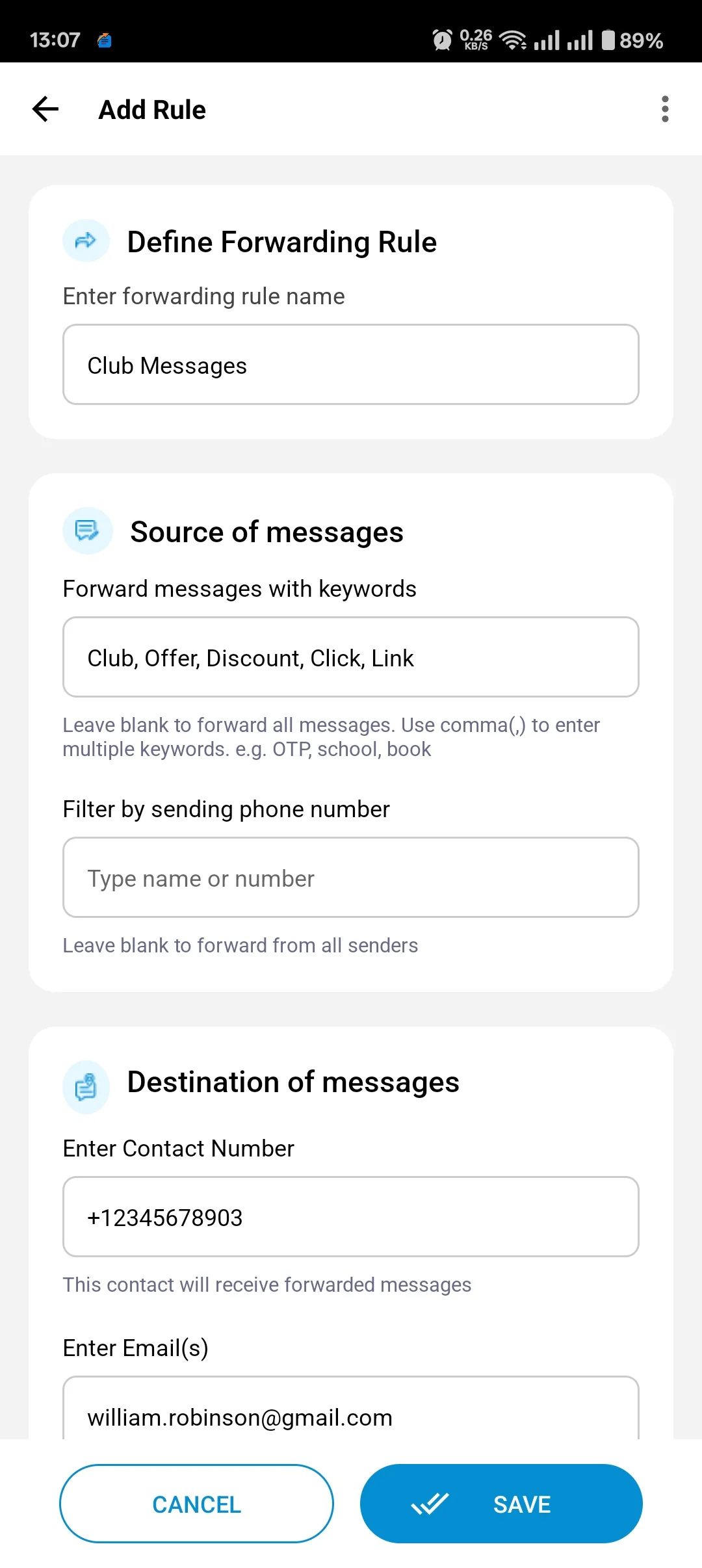
- Automated forwarding of alerts from clubs, events, and conventions to a group of colleagues via email or texts.
- Automated forwarding of texts from schools to your spouse or other close relatives via email or texts.
- Automated forwarding texts from one phone to another for any reason.
- Automated forwarding of texts to email saving on text message charges.
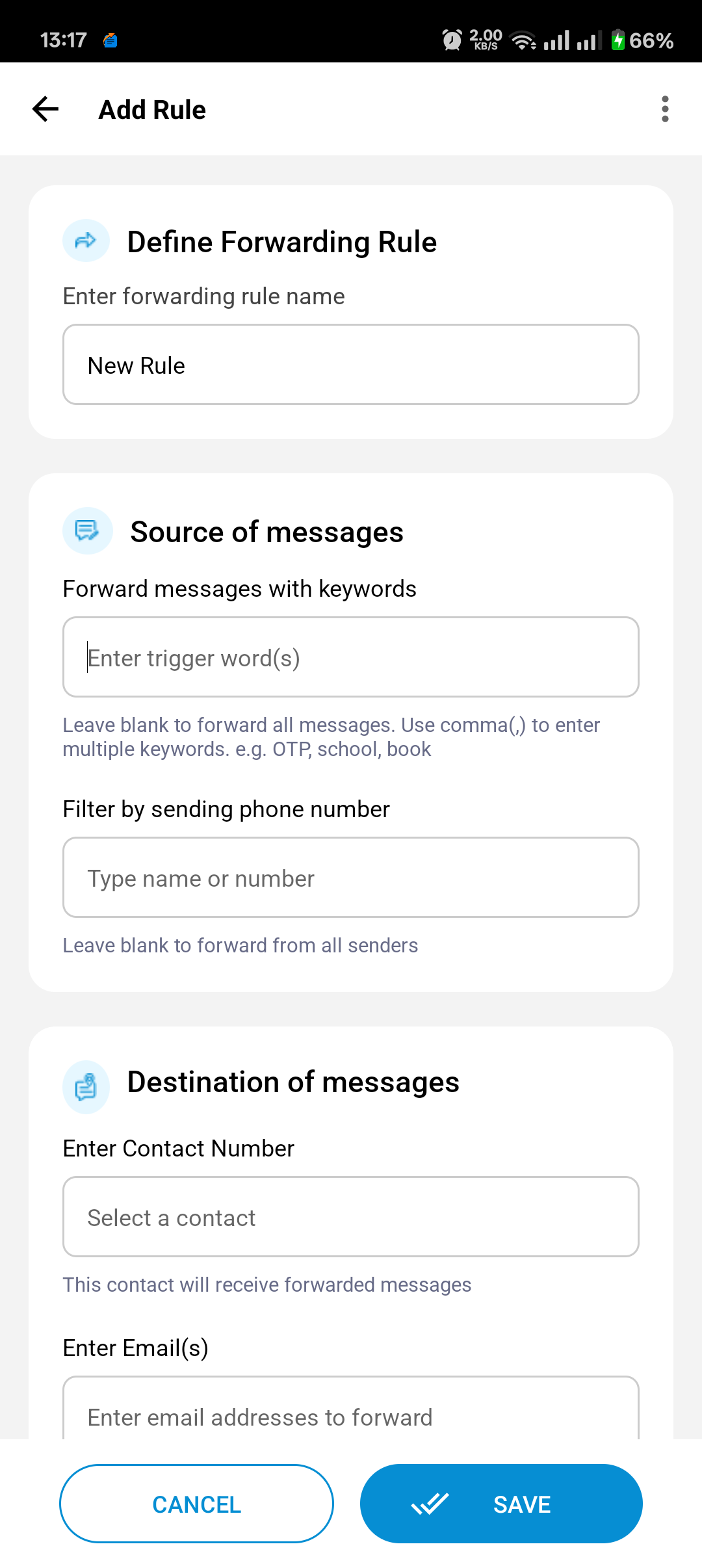
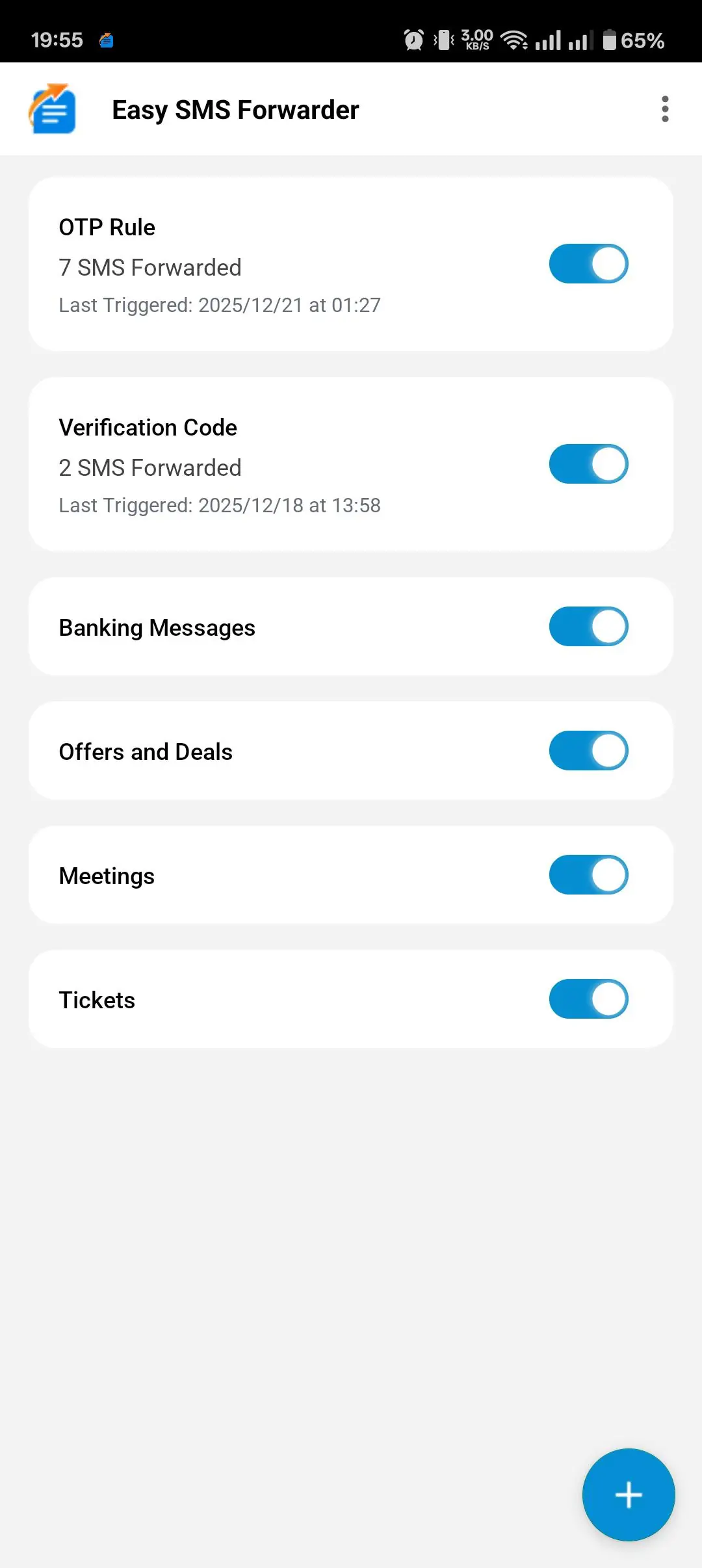
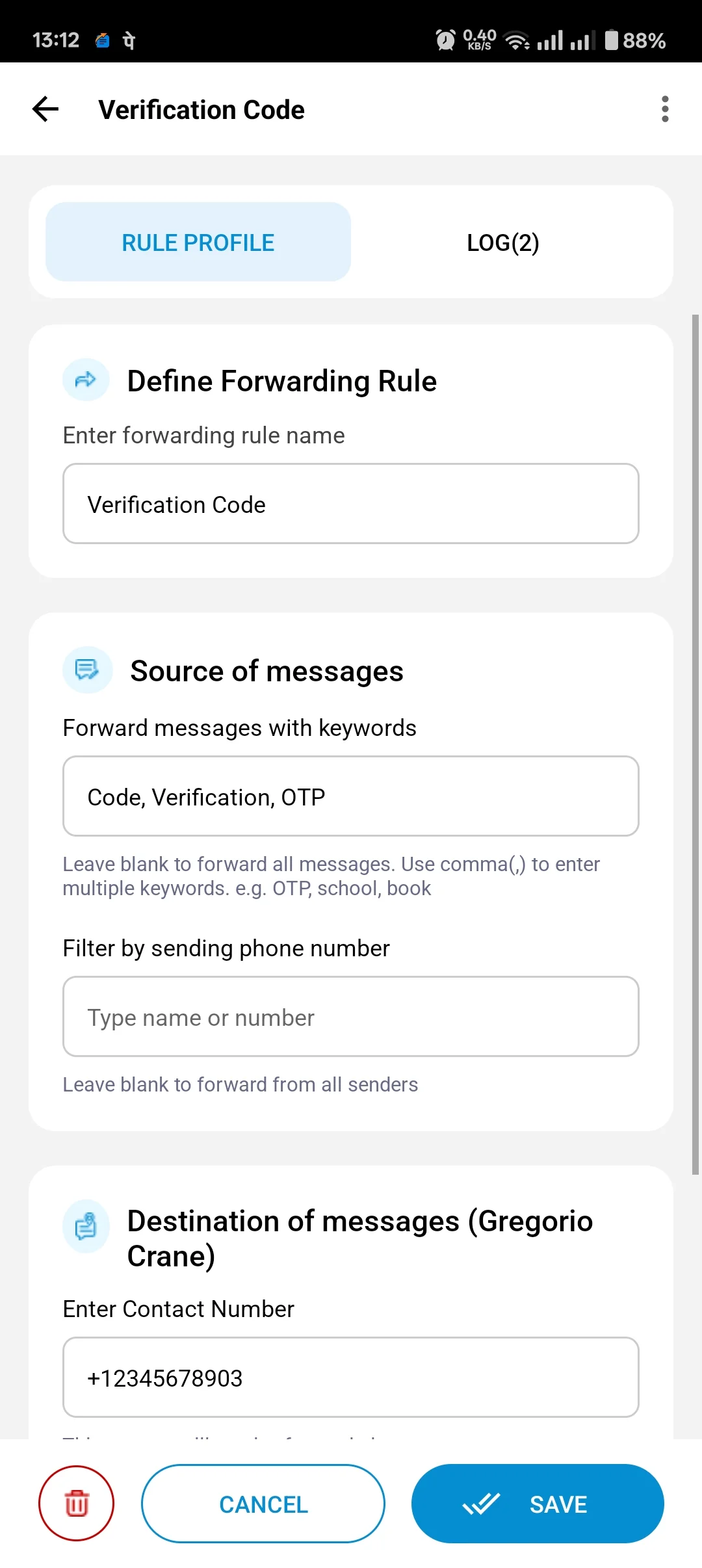
Simply install the app and create forwarding rules, select options to parse messages from a specific phone or with a specific keyword or forward all messages out to up to 5 other phone numbers.
- Forward all incoming texts to email or texts going out to a different phone
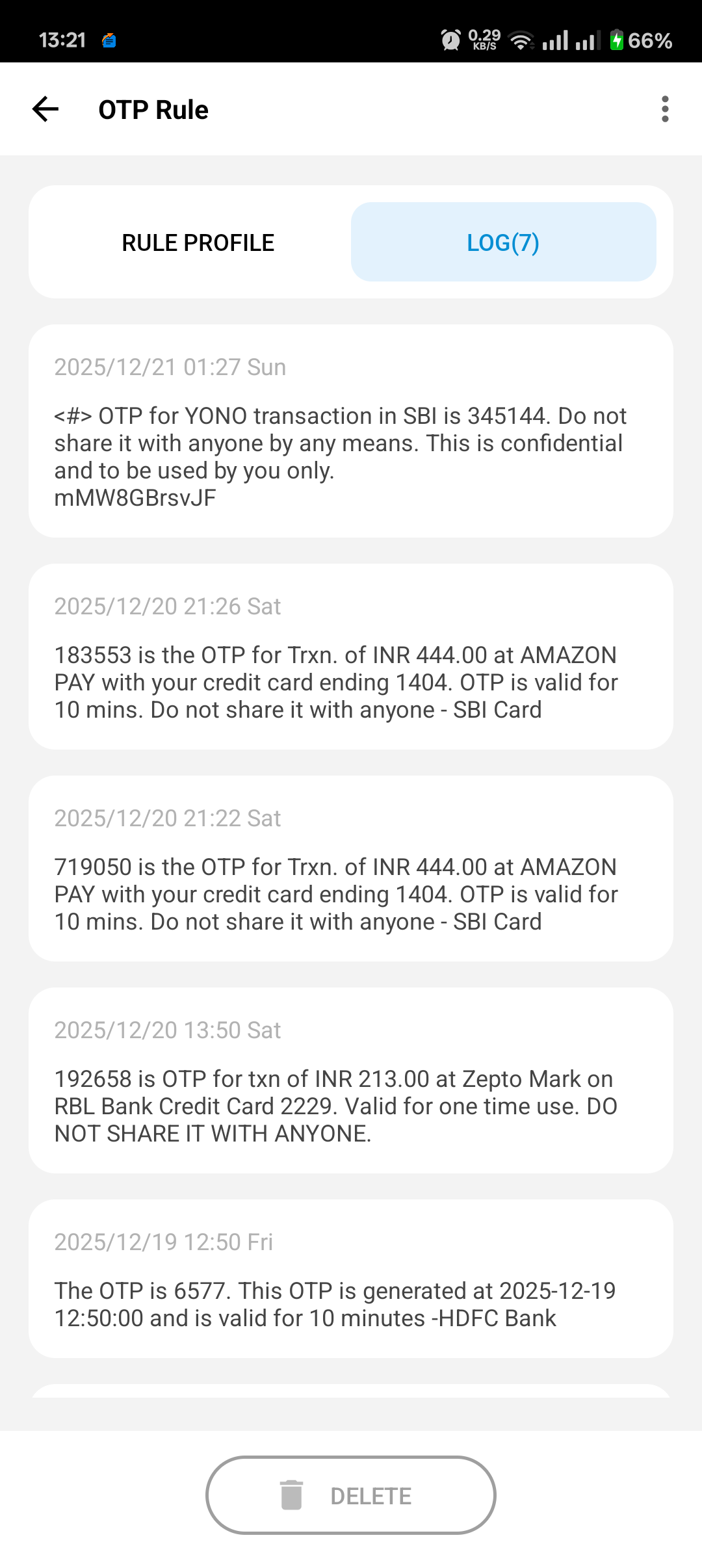
- Forward OTP messages to email or as a text message
- Forward texts from specific numbers as an email or text message
- Forward texts with specific keywords as an email or text message
- See a history of all messages forwarded in the log
- Dual-SIM phones supported
Ideal for
- Business applications that need texts received to reach multiple people
- The convenience of getting all your text messages into your Gmail account
- Sending text messages via email to people abroad without incurring text message charges
- Reading longer or complicated text messages on your email client
- Personal applications for sending relevant messages to the family
- Security application to review texts coming into a phone
Secure, Ad-free, Light. Guaranteed privacy as the app does not save or transmit text messages online, it simply forwards them.
 |  |
 |  |
 |